
A request for “custom color, our logo, local plug, more shelves, and a light box” is not a production specification. For a deli showcase order, each requested option must be attached to an exact cabinet model and revision, with dimensions, electrical requirements, food application, and approval evidence alongside it. Otherwise, a commercial choice can drift from one counter variant to another before production.
The safest control is a model-by-model OEM option schedule. It distinguishes requested, available, approved, and not applicable fields, and it gives purchasing, design, engineering, and production one controlled release instead of a chain of chat messages.
Begin With the Exact Deli Showcase Variant
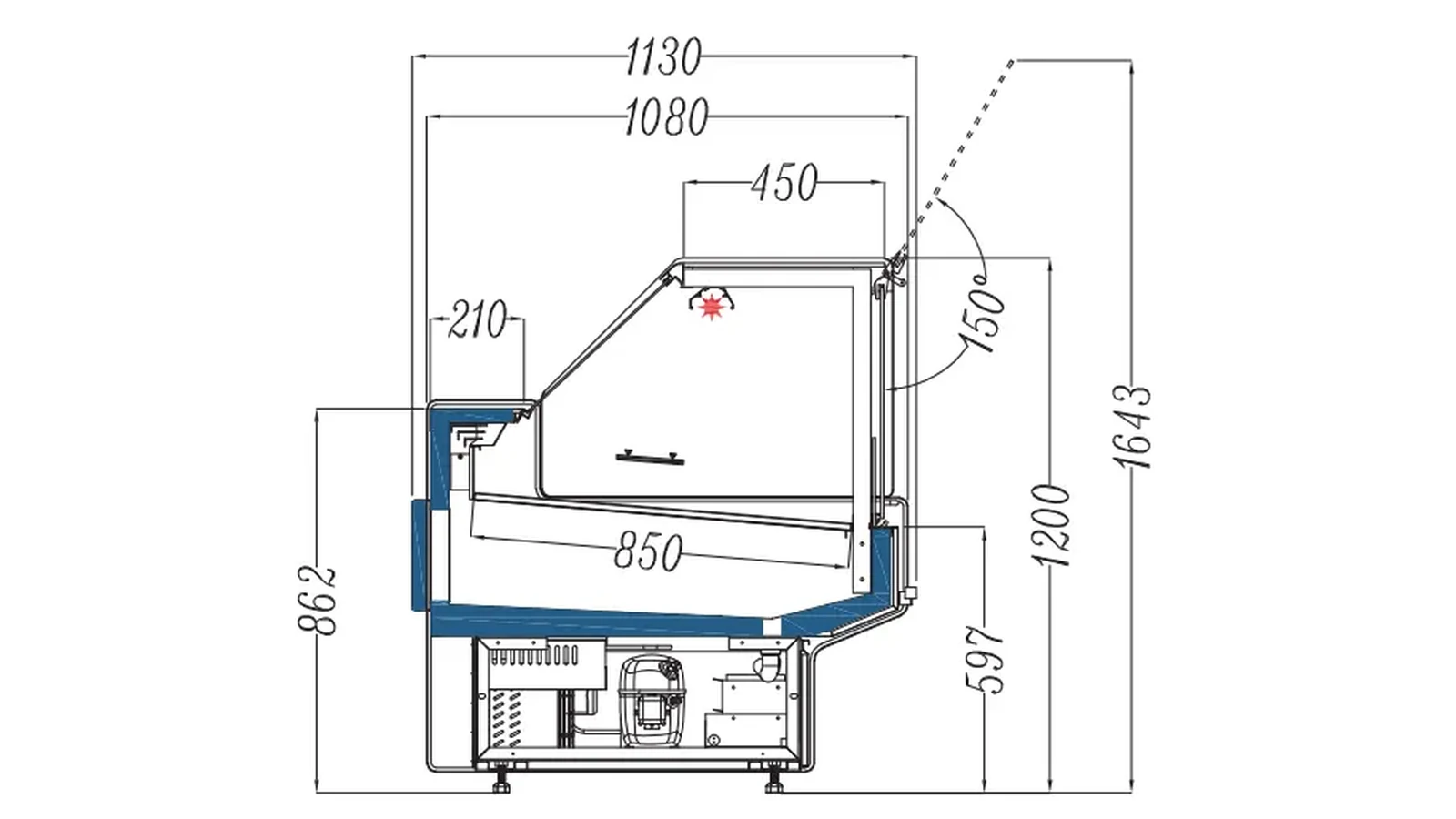
XCCOLD’s current deli-showcase catalogue contains plug-in and remote cabinets, curved- and flat-glass forms, and variants with or without storage. Those structural differences belong on the first columns of the schedule. For example, the plug-in luxury flat-glass deli showcase counter is a defined product page, not a generic label for every service counter.
Record at least:
- supplier model and product-page URL;
- plug-in or remote refrigeration structure;
- curved or straight/flat glass;
- storage included or excluded;
- cabinet width, depth, and height from the approved model row;
- temperature requirement and intended prepared-food category;
- refrigerant and electrical fields from the current technical record;
- option-schedule revision and approval status.
The existing deli showcase datasheet revision-control guide explains why model, depth, refrigerant, and material options must follow one document revision. The OEM schedule should reference that same controlled datasheet, not copy old values into a disconnected spreadsheet.
Use One Status Vocabulary for Every Option
The available OEM/ODM scope can include color, logo, size, plug, temperature, shelves, and light box. “Can include” does not mean every option is a default on every model. Give each cell a status that prevents assumptions:
| Status | Meaning | Required evidence |
|---|---|---|
| REQUESTED | buyer has asked for the option | dated inquiry and responsible owner |
| UNDER REVIEW | feasibility or price is not yet confirmed | open question and due date |
| OFFERED | supplier has proposed a defined option | quotation or marked technical sheet |
| APPROVED | buyer accepted the exact proposal | approval record and revision |
| NOT APPLICABLE | option does not belong to this model | reason tied to model structure |
| DEFERRED | option removed from this release | change note and commercial impact |
Avoid blank cells. A blank can mean “standard,” “not available,” “forgotten,” or “still waiting.” Those are different production conditions.
Control Color as a Physical Finish, Not a Screen Swatch
State which surfaces receive the color, the color reference system or approved sample, gloss or texture if relevant, and the permitted visible difference. Separate cabinet panels, trim, base, end panels, and any customer-facing accessories. A single color code does not always explain all materials or production processes.
Request a physical sample or approved production-equivalent reference when appearance matters. Record the light and viewing conditions used for approval. Monitor color by model and production lot instead of assuming a screen image proves the delivered finish.
If two deli-showcase variants will form one counter line, approve their visible finishes together. A flat-glass cabinet and a storage variant can be individually acceptable yet look inconsistent when installed side by side.
Keep Logo Artwork and Placement Separate
Logo approval needs more than the brand name. The schedule should identify artwork file name and revision, placement drawing, dimensions, color values, production method, clear space, orientation, and a visual proof. Keep the buyer’s approved artwork attached to the exact model row.
The logo may appear on a panel, glass, trim, or light-box face. Each location has a different printable area and viewing condition. Approval for one surface cannot authorize another. If the model has no approved light box, a light-box artwork file is not automatically applicable.
For multi-market orders, include language, distributor name, required marks, and any artwork that changes by destination. Use unique item codes where artwork creates a commercially distinct unit.
Write Electrical and Plug Requirements as a Set
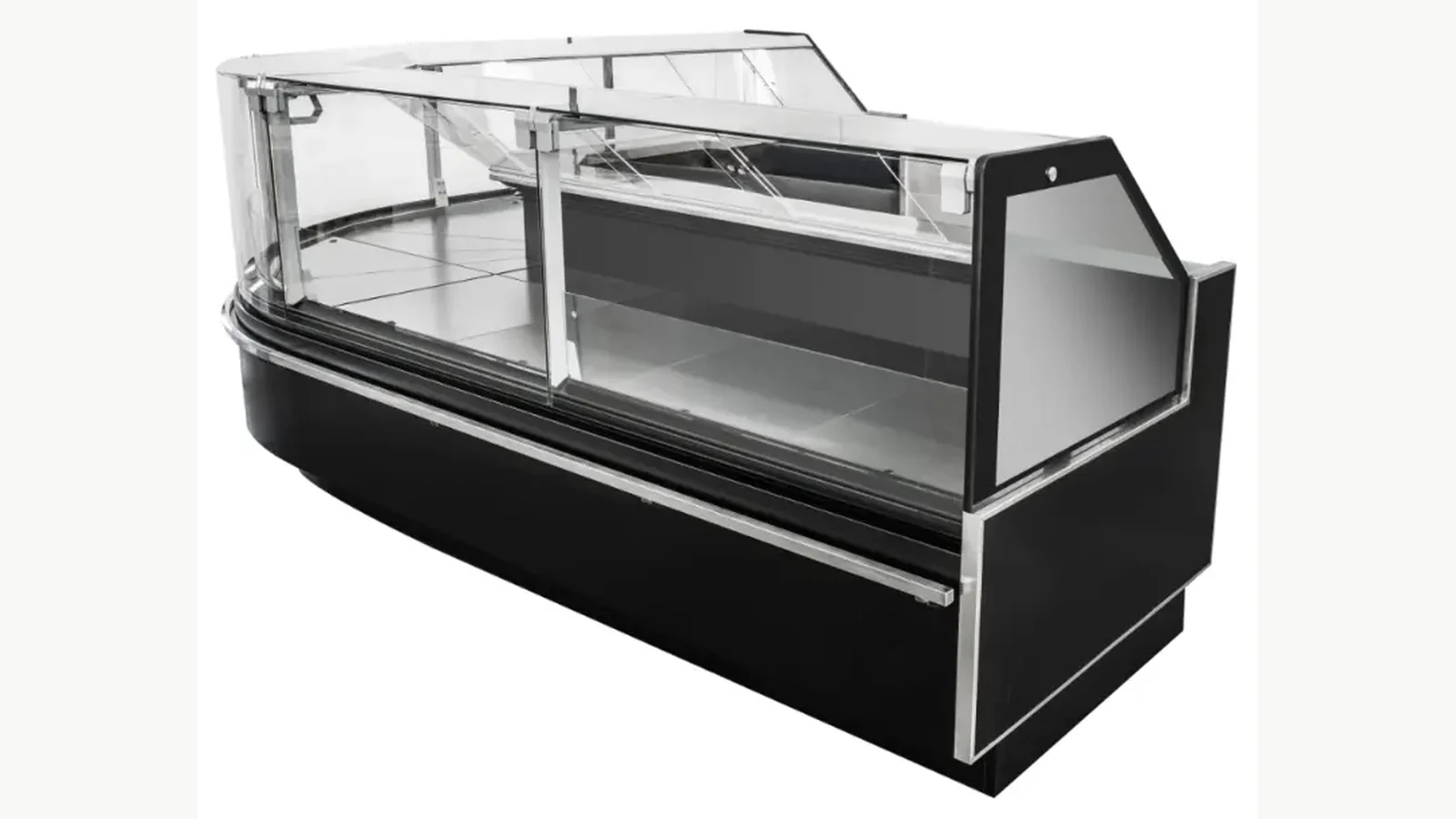
A plug choice must stay with the destination market, rated voltage, frequency, phase where relevant, cable and plug standard, and buyer-side circuit review. Never approve a plug from a product photo alone. The schedule should reference the supplier’s confirmed technical document and the buyer’s local electrical requirements.
For plug-in cabinets, capture the model’s electrical supply requirements and the site outlet plan. For remote cabinets, the schedule also needs the project interfaces and responsibilities associated with the remote refrigeration arrangement. A similar cabinet front does not justify moving a plug-in option row onto a remote model.
Require the nameplate and packing documents to carry the approved model and electrical identity. Before shipment, reconcile the schedule, nameplate proof, wiring documentation where supplied, and destination allocation.
Treat Size and Temperature as Engineering Fields
Changing cabinet size can affect layout, access, lineup joints, display area, and technical configuration. A buyer should not write “same model, longer” and assume every other field remains unchanged. Ask for the revised model code, outline drawing, service-side clearances, delivery dimensions, and an updated technical sheet.
Temperature is also more than a marketing phrase. State the intended food category, operating set-point or range required by the buyer, test conditions to be used, and the exact supplier-confirmed configuration. One setting or test result cannot represent every store environment or product load.
The OEM schedule should flag any option that changes a controlled dimension or technical value. Those rows require engineering review before commercial release.
Define Shelf Quantity, Position, and Load Evidence
“More shelves” is incomplete. Record the shelf quantity per model, usable dimensions, adjustment method, position range, finish, price-display components if relevant, and the buyer’s package or tray plan. Confirm that the shelf arrangement is intended for the exact deli display application and does not conflict with air paths, service access, or cleaning requirements.
Use an approved shelf map for each model. When widths vary across a lineup, shelf components and quantities require separate confirmation. The schedule should link the model row to its shelf drawing and replacement-part identity.
The buyer’s food-display trial should use the actual tray or package sizes. A catalogue image can illustrate the cabinet; it cannot prove the buyer’s complete merchandising arrangement.
Approve the Light Box as a Model-Specific Assembly
A light-box request should define whether the model supports one, its position and dimensions, artwork area, lighting description from the supplier, electrical connection, switch/control arrangement, service access, and packing protection. Keep light-box artwork approval separate from cabinet-logo approval.
If the light box changes overall height or delivery clearance, update the approved outline and delivery-path review. If it is shipped separately, add its package ID and installation responsibility. “Top branding” is too vague for any of these decisions.
Release One Model Schedule, Then Freeze It
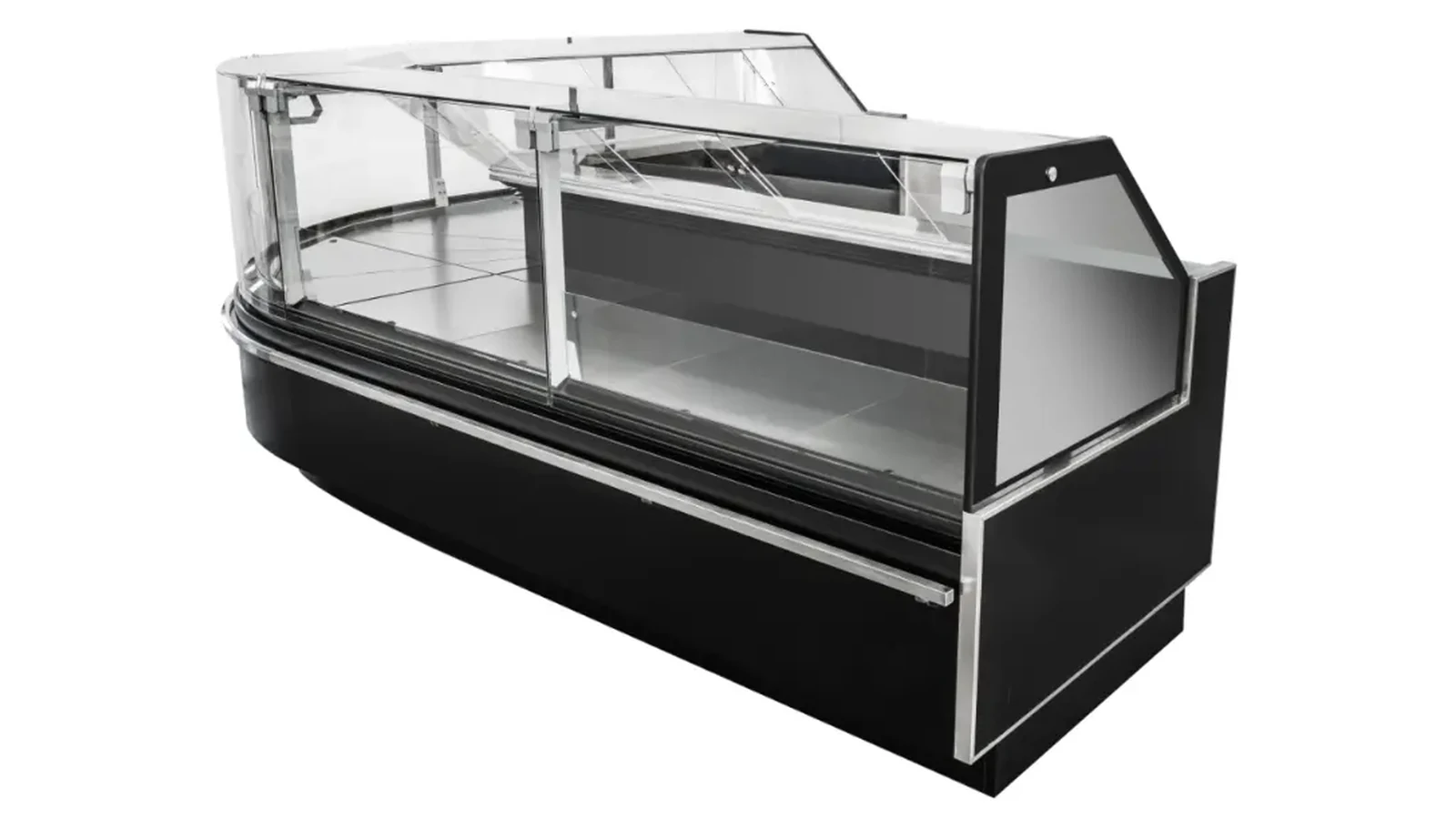
The final schedule should show one line per sellable model-destination combination. Include commercial item code, cabinet structure, dimensions, color, logo, artwork revision, electrical set, plug, temperature requirement, shelves, light box, packaging marks, sample status, price effect, and approval date.
Use a revision log. Every change should state the old value, new value, reason, affected model and quantity, owner, date, and whether price or delivery changes. Once the buyer releases the schedule, production should work from that revision only. Late changes need a new release rather than annotations on screenshots.
Before shipment, reconcile the approved schedule against production photos, nameplate proof, packing list, carton marks, and any retained sample. Sample approval for one model cannot silently approve another width, glass form, or refrigeration structure.
Use the Schedule to Compare Quotes Fairly
Normalize supplier offers against the same option rows. A base cabinet price without color, artwork, plug, shelves, or light box is not directly comparable with a fully defined custom unit. Record option cost, tooling or artwork charges where quoted, minimum quantities, sample requirements, and delivery effect separately.
The deli showcase with-storage versus without-storage guide helps keep the back-counter structure visible. The curved versus flat-glass deli showcase comparison separates glass form and service workflow. For broader tender normalization, use the commercial refrigeration quote-comparison method.
For a controlled quotation, send the exact product URL or model, destination, quantity, latest layout and dimensions, required food category and temperature, color reference, logo files, plug/electrical set, shelf map, light-box request, and approval timetable. Ask the supplier to return the schedule with every field marked—not a one-line promise that “OEM is available.”