
A commercial refrigeration cabinet should not leave the receiving warehouse for site merely because the crate count is correct. The purchase order, supplier packing list, crate mark, physical cabinet, available nameplate fields, approved submittal, and site equipment schedule must all point to the same unit. If one identity field conflicts, hold that cabinet and resolve the exception before installation.
This check is especially important in mixed shipments. A deli showcase, fresh-meat counter, glass-door cabinet, open chiller, and island freezer may share colors or exterior finishes while belonging to different product families. A warehouse photograph of “a black refrigerated cabinet” is not enough evidence for the project team.
Create One Reconciliation Row Per Physical Cabinet
Start before arrival. Convert the approved order and submittal into a receiving table with one row for every cabinet or clearly defined cabinet module. Give each row a project asset code that also appears on the site plan, so the warehouse team is not inventing names after unloading.
At minimum, the row should have fields for purchase-order line, supplier item description, exact product family, supplier model or ordered identifier, quantity, plug-in or remote structure, temperature class where approved, dimensions from the approved drawing, finish, options, crate mark, packing-list reference, physical-unit mark, recorded nameplate fields, destination zone, and exception status.
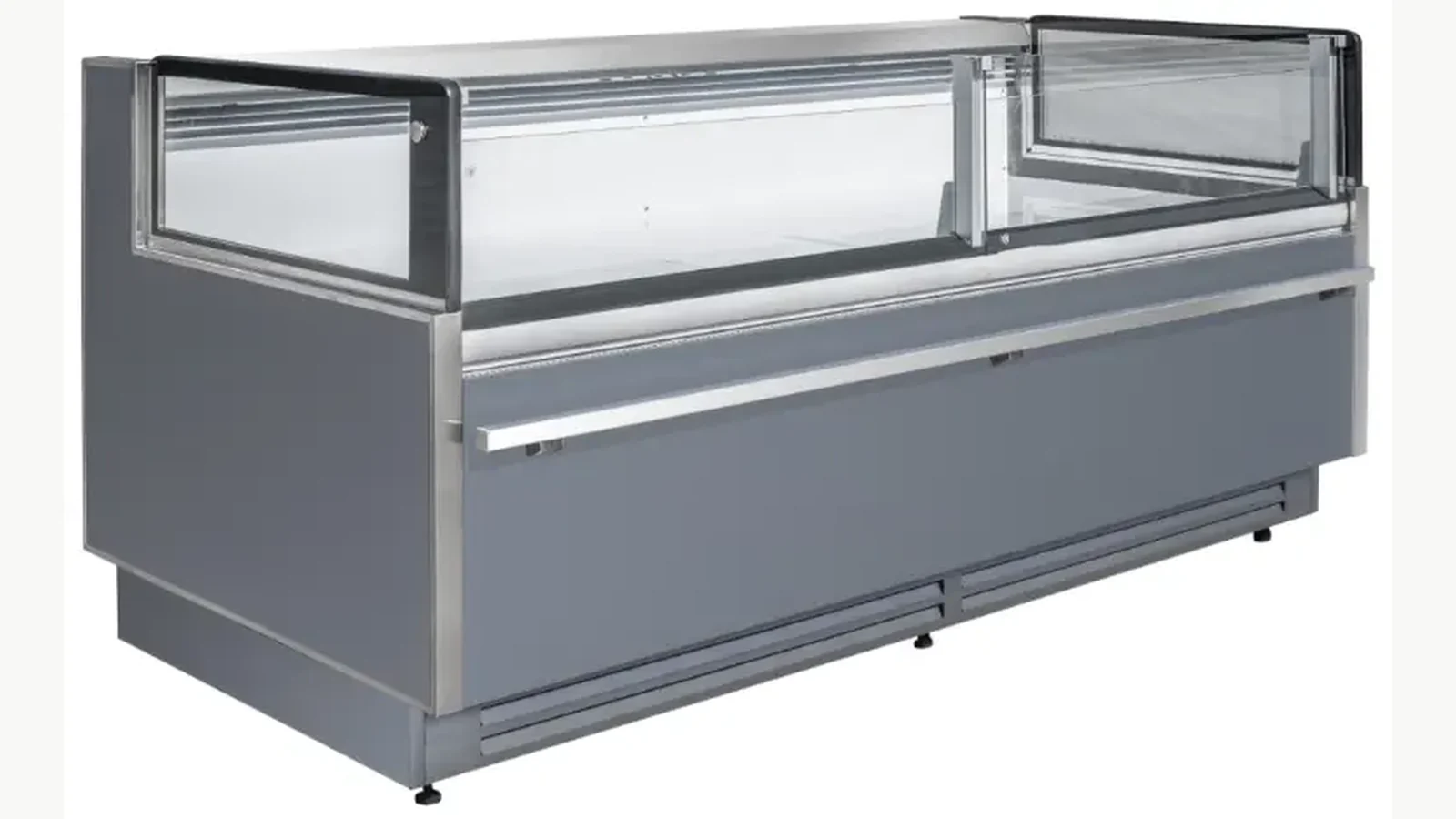
For example, the plug-in luxury flat-glass deli showcase is a specific deli-showcase product record. Its image and page title can help the team recognize the family, but the live order must still be checked against the approved quotation and submittal. A public page is not a substitute for the production-batch record.
Use a Document Hierarchy Instead of Guessing
When documents disagree, set the unit to HOLD instead of choosing whichever description seems closest to the cabinet. Then trace the approved change path. A practical hierarchy is:
- signed purchase order and approved change orders;
- approved model schedule and final submittal drawing;
- supplier packing list and commercial shipment documents;
- crate label and loose accessory labels;
- physical cabinet and the fields actually shown on its nameplate;
- site equipment schedule and room or aisle assignment.
The purpose is not to declare one document universally superior. It is to expose where the approved record stopped matching the delivered unit. If a later approved change exists, attach it to the row. Without an approved change, the site schedule should retain the discrepancy until it is resolved.
Record What the Nameplate Shows—No More and No Less
Photograph the complete nameplate straight-on and at readable resolution. Transcribe every relevant field that is present; plate layouts can vary by product. Model, serial or production identifier, electrical values, refrigerant, charge, climate class, date, and certification marks may be important when present; their exact availability and meaning must be verified on the delivered equipment and its approved documents.
The receiving record should distinguish “not shown,” “not legible,” and “does not match.” These are different exceptions. A missing photograph is not proof that a field matches. A photograph cropped around the model cannot verify the rest of the plate.
For remote systems, cabinet identity and condensing-system scope may be documented separately. The warehouse team should not assign a remote cabinet to a plant package by exterior appearance. Use the approved refrigeration schedule and the supplier's matched records.
Keep Product Families Separate During Unloading
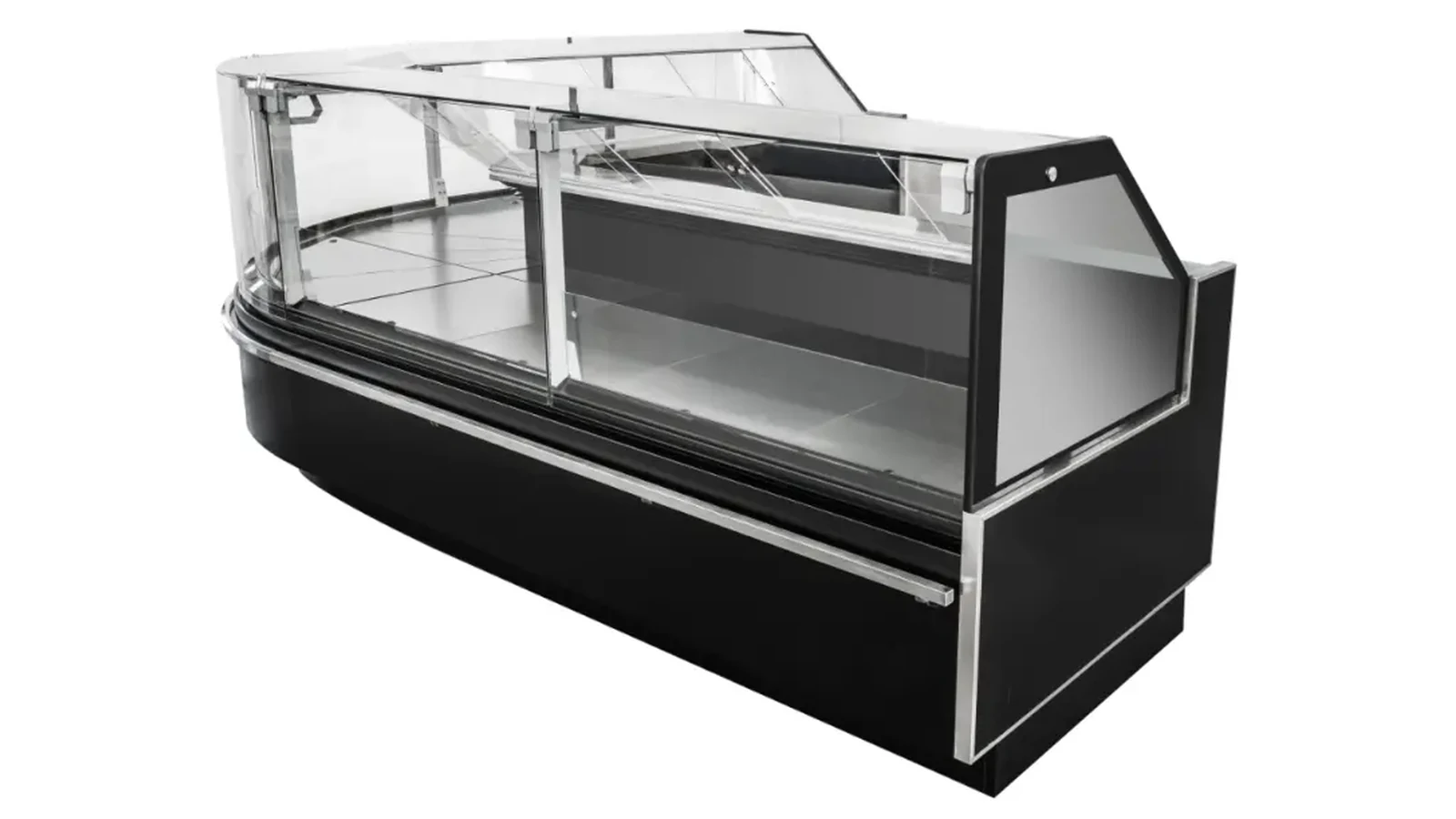
The product catalogue is a useful first boundary. A plug-in flat-glass fresh-meat showcase counter belongs to the fresh-meat-showcase family, not the deli-showcase family. The two may both be service counters, yet their application, structure, options, and project record are separately controlled.
Use warehouse zones or temporary tags to separate families immediately after unloading. Mark the asset code on removable protection rather than writing on the finished cabinet. Keep loose shelves, trays, baskets, end panels, lights, doors, lids, controls, and other accessories tied to the same cabinet row. Photograph any unmarked part before it is moved.
If a crate contains multiple modules, the packing list should identify how the modules form the final lineup. If it does not, request clarification before site dispatch. A correct total quantity can still hide a missing end cabinet, wrong hand, incompatible module, or accessory assigned to the wrong run.
Reconcile Options and Interfaces, Not Just the Model Name
Two cabinets with the same general title can carry different order options. Compare dimensions, glass or door structure, storage configuration, temperature class, finish, contact-surface option, shelf or tray scope, lighting, controls, plug or remote configuration, and any project-specific interface that was approved. Use only fields supported by the final supplier documents.
The plug-in double-sided sliding-door combined island freezer illustrates why structure belongs in the identity row. An island cabinet should not be matched to a site position simply because its length looks right. Door or lid access, lineup arrangement, product family, and exact approved model must agree.
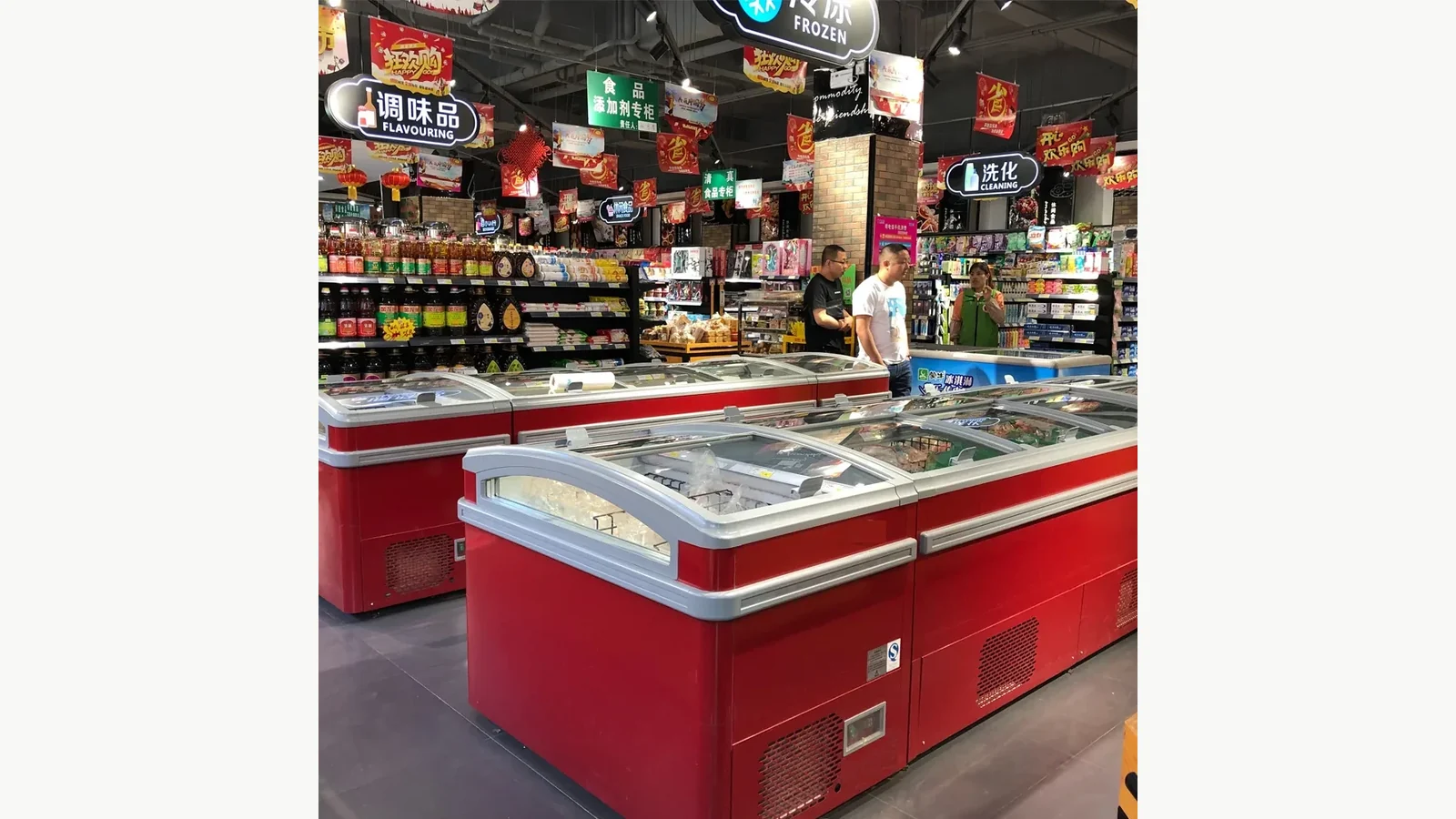
Hidden technical details cannot be inferred from these photographs. Images support visible family and structure checks. Electrical, refrigerant, temperature, capacity, and option claims come from the approved plate, drawing, and order record.
Use Three Outcomes: Release, Hold, or Quarantine
Give every row a visible status:
- RELEASE: the required records agree and the cabinet can move to its assigned site position;
- HOLD: information is incomplete or an approval is needed before movement;
- QUARANTINE: the unit is damaged, clearly different, or risks being installed under the wrong identity.
For each exception, record the exact conflicting fields, document revision, photographs, date, responsible reviewer, supplier response, and final disposition. Never use a group message such as “supplier confirmed okay” as the only closure record. Attach the corrected document or signed deviation.
The previously published commercial refrigeration handover document register organizes the wider project file. This reconciliation row has a narrower job: stop a particular physical cabinet from being dispatched under the wrong documentary identity.
Close the Loop at the Site
When the cabinet reaches site, scan or photograph the warehouse release tag beside the planned asset position. Confirm the route, location, lineup, interface, and loose-accessory custody before removing protective packing. If site staff swap two similar units, reopen the reconciliation rows so drawings and service records follow the physical equipment.
Store the final cabinet photographs, nameplate image, approved deviation if any, and commissioning reference under the same asset code. That gives service staff a traceable starting point later and avoids searching through shipment-level folders for one unit.
Related Reading
- Refrigerated cabinet asset codes for store plans and service logs keeps the same identifier from layout through service.
- Shipping-damage photo protocol for imported service counters separates identity evidence from damage evidence.
- Commercial refrigeration delivery-path checklist verifies that released equipment can physically reach its position.
Send the Shipment and Site Schedule Together
Send XCCold the final purchase-order lines, approved model schedule, site asset codes, packing-list format, crate-mark requirement, required nameplate photographs, module and loose-accessory mapping, destination zones, and the contact authorized to resolve exceptions. Ask for one traceable identity chain from the quotation through the cabinet released to site.