
A digital controller is not a handover record by itself. Store staff need to know which cabinet the display belongs to, which setting was approved, who may change it, how product readings are checked and what evidence should accompany a service call. Without that chain, a photographed number can be separated from the cabinet, food category and operating conditions it was meant to control.
The exact plug-in luxury flat-glass deli showcase page documents a straight-glass, rear-service, plug-in counter for prepared-food display. Its published model table covers 1330, 1960, 2580 and 3830 mm lengths in 960 or 1135 mm depths, with a stated −1 to 5°C range and a Dixell digital controller. The handover must stay bound to the quoted model and production record.
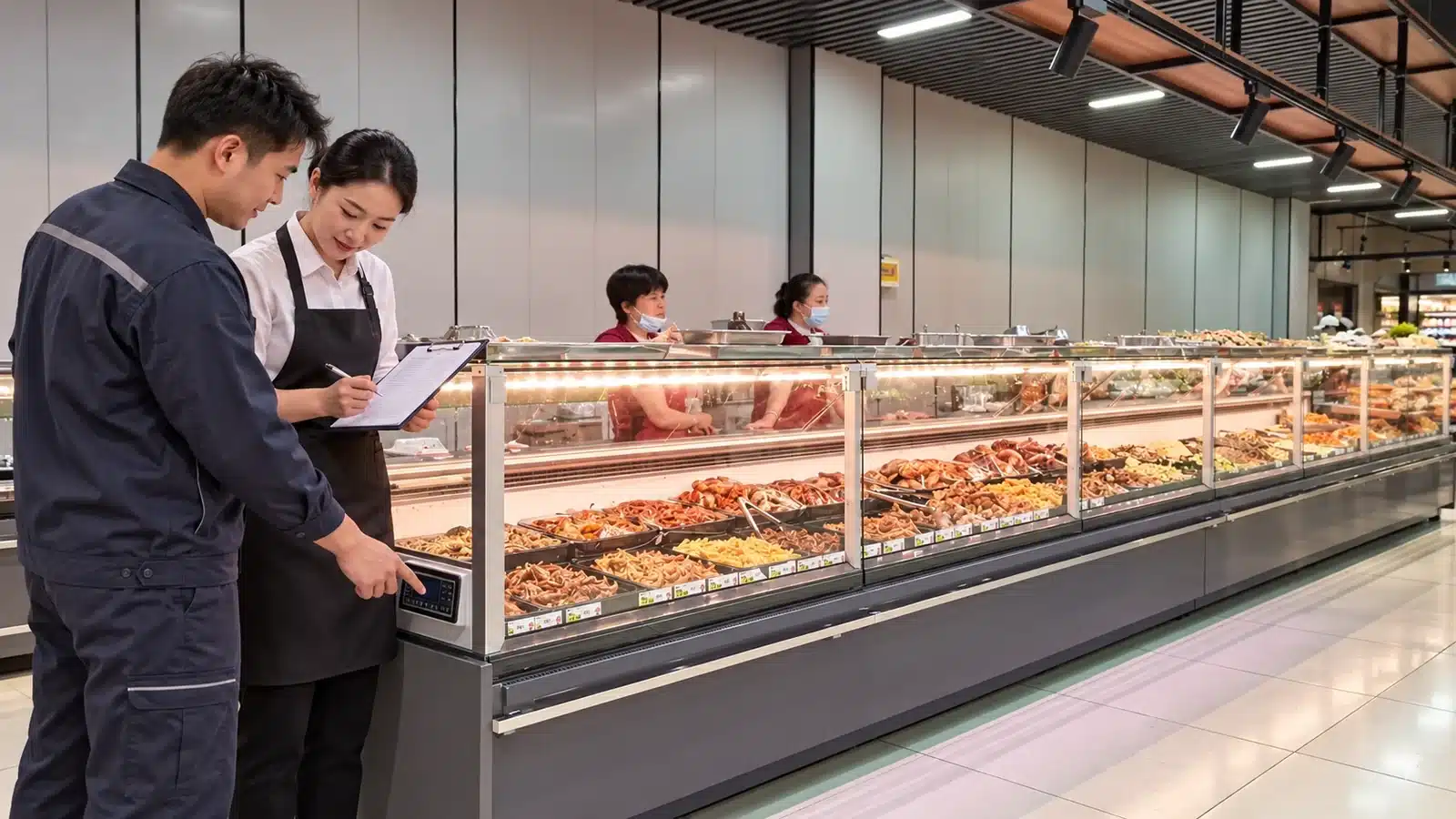
Start With Cabinet and Controller Identity
Photograph the cabinet nameplate, model, serial or project ID and controller face in one handover sequence. Record the lineup position when several counters look alike. A floor-plan bay number or counter joint reference helps store teams avoid attaching a reading to the wrong unit.
The controller brand is part of the documented product specification, but button functions, parameter access and alarm behavior should come from the current controller manual and supplier handover. A familiar-looking keypad is not evidence that two cabinets share the same configuration.
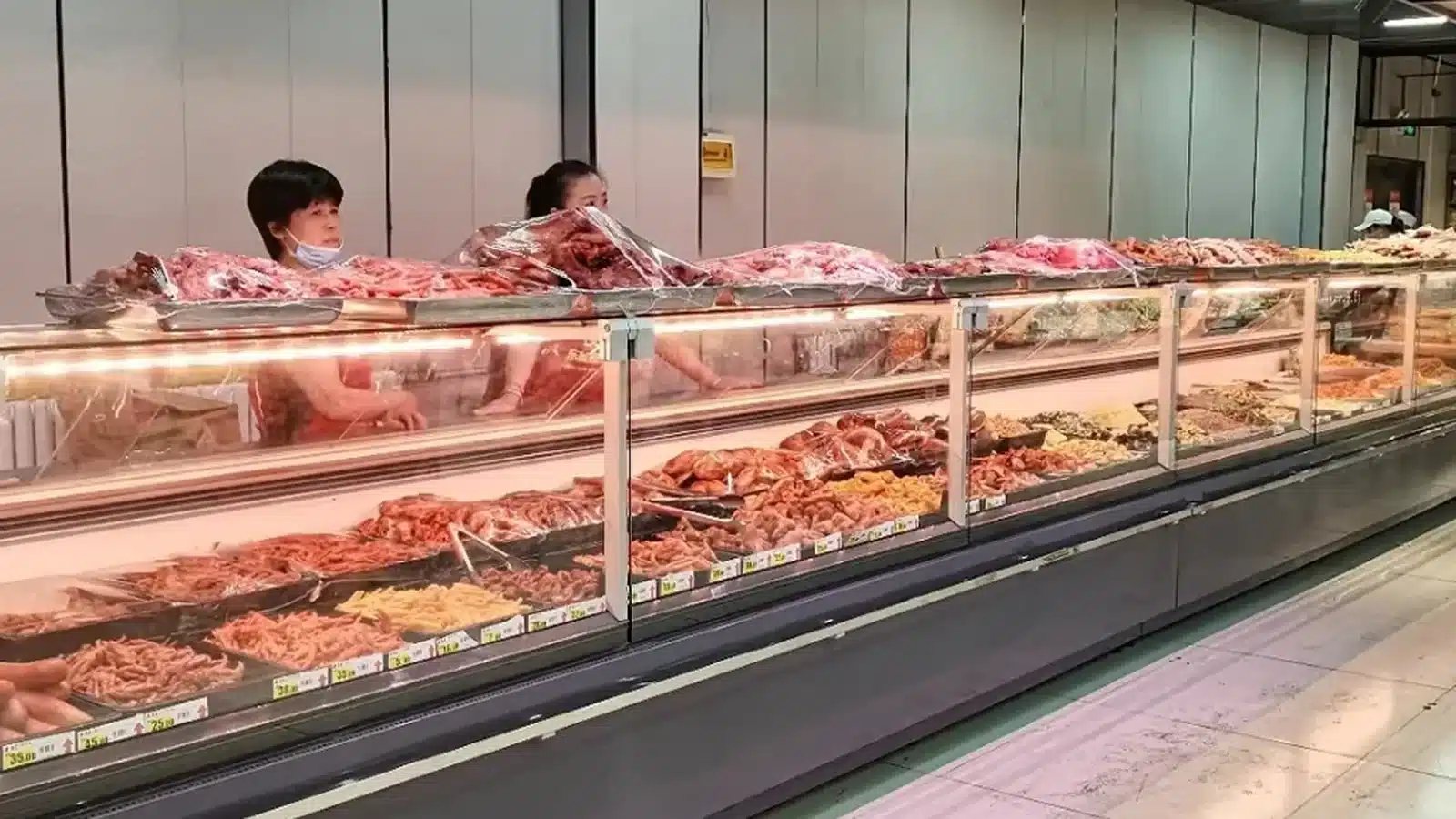
Separate the Approved Product Requirement From the Displayed Number
The stated cabinet range is −1 to 5°C. The responsible food-safety or operations owner still defines the approved product requirement and verification method for the prepared foods being displayed. Record that owner, the handover date and the accepted operating procedure.
Store staff should understand the difference between a controller display, an approved setting and a product-temperature reading. These values can answer different questions. The handover sheet should name the instrument, reading location and time rather than copying a single number without context.
The existing straight-glass deli showcase opening handover guide covers the tray map, display release and open exceptions. The controller record complements that opening pack by defining who owns settings and how later observations return to the correct cabinet.
Freeze Access Ownership and Change Control
List the roles allowed to view, acknowledge or change settings. If the supplier or qualified service provider protects deeper parameters, state that boundary. Record every authorized change with old value, new value, reason, time, owner and any required follow-up observation.
Uncontrolled changes make later diagnosis harder because loading, door or service events may be mistaken for a controller issue. A sealed paper log, controlled digital form or maintenance system can work as long as cabinet identity and revision history remain visible.
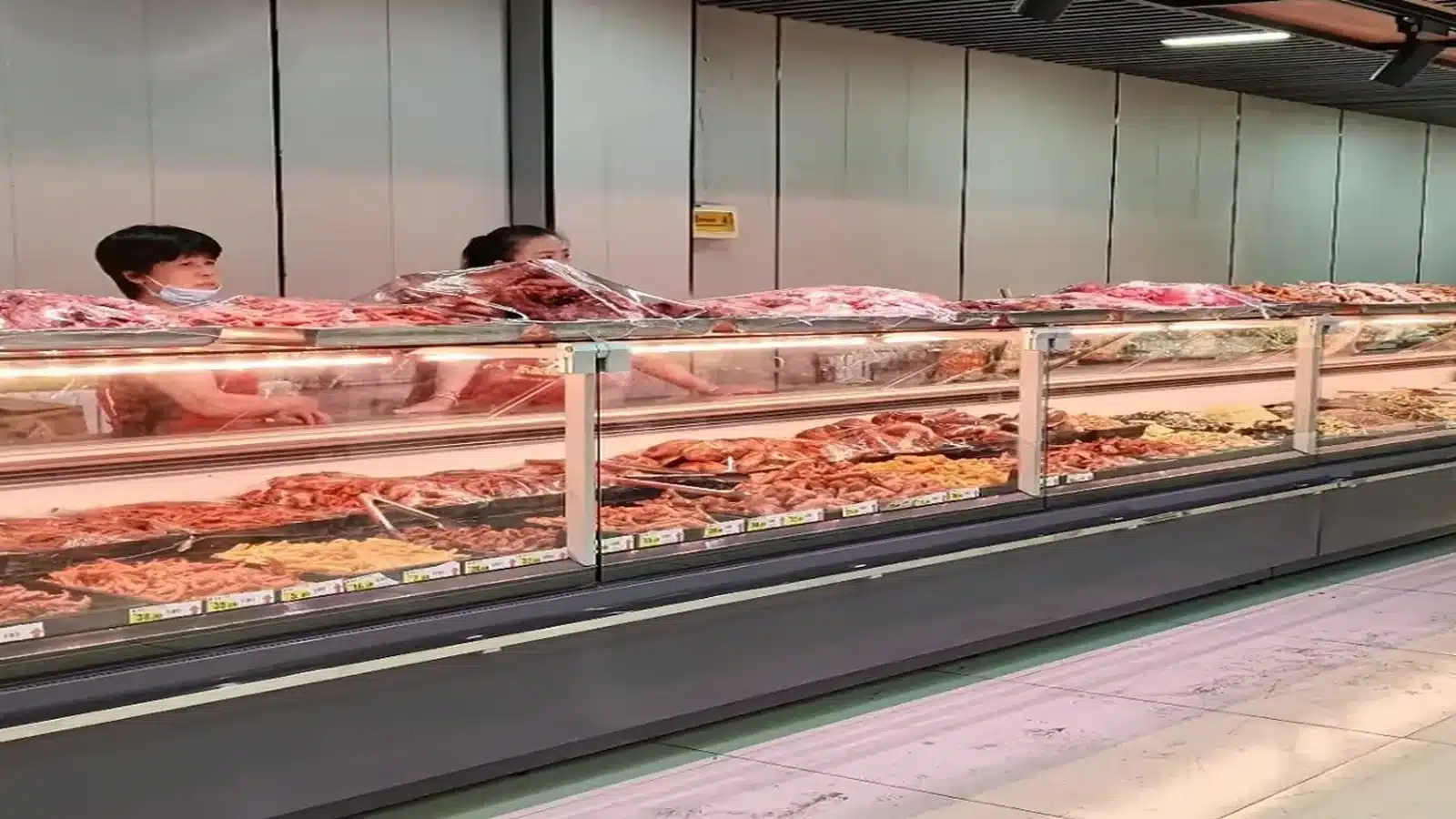
Capture Conditions Around an Exception
When a reading appears outside the approved operating record, note the exact time, displayed value, product-reading method, recent loading, cleaning, power event, service-side access and nearby environmental change. Photograph the cabinet and controller without opening electrical panels. Keep food disposition decisions with the responsible food-safety team.
The service request should include the model, nameplate, controller photo, chronology, current display, approved setting record and observations. It should avoid guessing a failed component. Qualified technicians can then decide which diagnostic steps are appropriate for the exact cabinet and site.
Close the Handover With a Short Live Walkthrough
Ask the incoming supervisor to identify the cabinet, locate the record, explain who may change a setting and show how an exception is logged. Confirm that the prepared-food scope remains separate from raw-meat or frozen-product equipment. The walkthrough should also identify the supplier and local service contact.
Sign-off is stronger when one person demonstrates the process rather than simply receiving a folder. Keep the signed record with the model-specific datasheet, layout, electrical information, cleaning plan and opening checklist.
Related Deli-Showcase Controls
- Control deli-showcase datasheet revisions by model, depth and options
- Lock deli-showcase OEM options to each model
- Compare 960 and 1135 mm flat-glass deli showcase depths
Request a Controller Handover Review
Send the exact model, controller photo, approved temperature requirement, site conditions, observed readings, access owner and service contact through the XCCOLD contact page. Ask for the current model and controller documents to be confirmed before store sign-off.