
An impact beside a refrigerated service counter can leave a scrape, shifted trim, damaged glass, displaced tray, or no obvious mark at all. The store still needs a disciplined response because moving carts, wiping surfaces, unloading product, or adjusting panels can erase the evidence needed by the project, maintenance, insurer, or supplier team.
The first record must also identify the correct entity. This workflow concerns a straight-glass fresh meat showcase with a rear service side, not a deli-food counter that merely shares a similar outline. Once identity is confirmed, the store isolates any uncertain area, records the scene from wide and close views, preserves the display state where appropriate, and hands observations to the authorized service role.
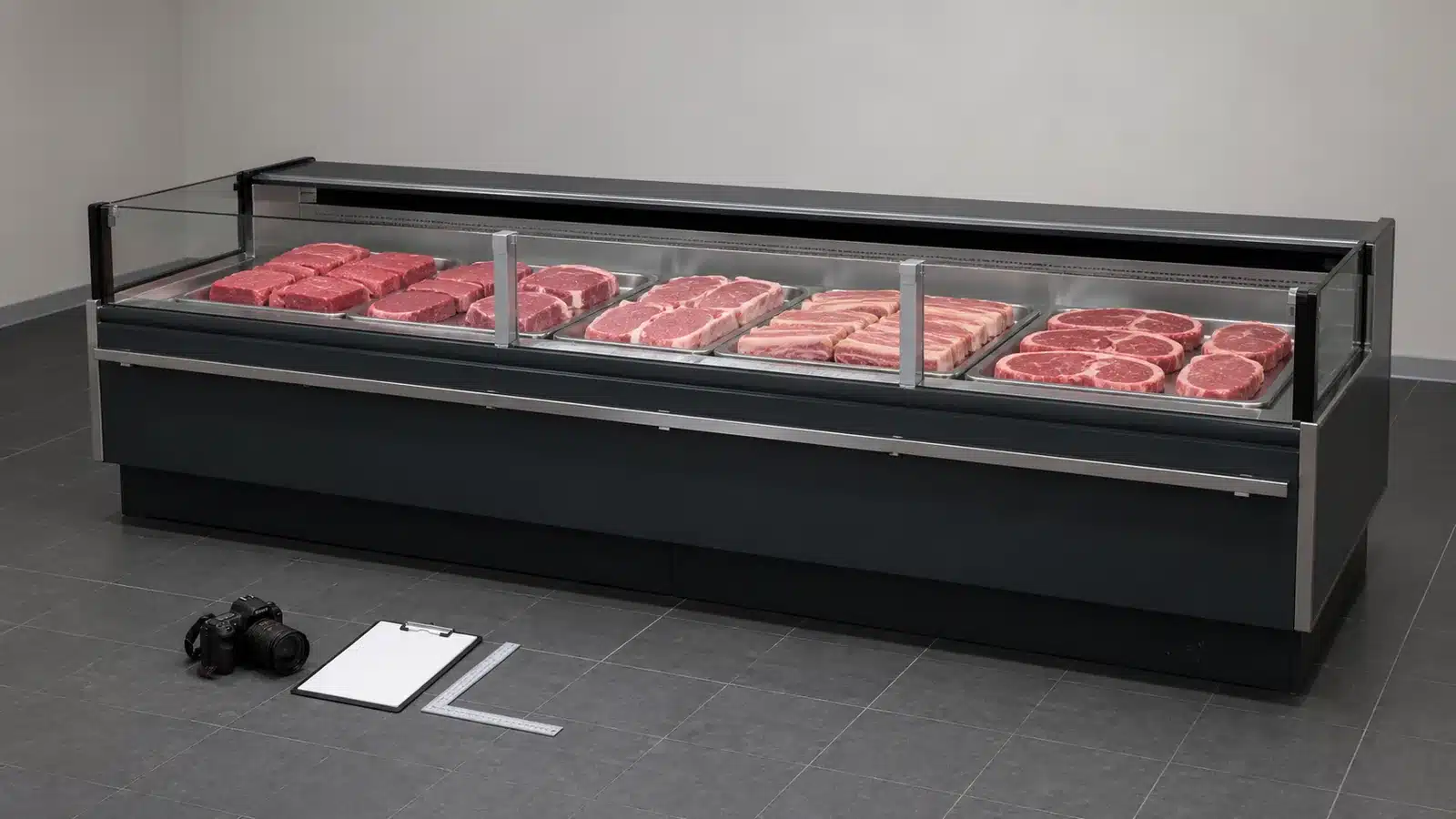
Confirm the Exact Counter Identity
Record the cabinet, module, straight-glass structure, fresh-meat application, and project location. The working record for this stage covers product title, model and serial when available, module code, straight-glass profile, fresh-meat application, store location, and product page or drawing.
Records for this stage
- product title: source, location, owner, status, and date.
- model and serial when available: source, location, owner, status, and date.
- module code: source, location, owner, status, and date.
- straight-glass profile: source, location, owner, status, and date.
- fresh-meat application: source, location, owner, status, and date.
- store location: source, location, owner, status, and date.
Why this stage can fail: Filing evidence under a generic showcase name that could refer to a deli or differently shaped counter. Use product title, model and serial when available, and module code to document the exception, and keep straight-glass profile with the reviewer's decision.
Release condition: The incident file points to one identifiable straight-glass fresh-meat module and its applicable documents. Record any exception against store location, name its owner and next action, and keep product page or drawing open until resolved.
Preserve the Immediate Scene
Control access and photograph the counter, nearby equipment, floor, load, and approach route before changes. The working record for this stage covers event time, wide scene, trolley or equipment position, product load, floor condition, nearby fixtures, and witnesses or reporting role.
Records for this stage
- event time: source, location, owner, status, and date.
- wide scene: source, location, owner, status, and date.
- trolley or equipment position: source, location, owner, status, and date.
- product load: source, location, owner, status, and date.
- floor condition: source, location, owner, status, and date.
- nearby fixtures: source, location, owner, status, and date.
Why this stage can fail: Cleaning, restocking, or moving the contacting object before a safe factual scene record exists. Use event time, wide scene, and trolley or equipment position to document the exception, and keep product load with the reviewer's decision.
Release condition: The record shows context and observed positions while uncertain areas remain isolated. Record any exception against nearby fixtures, name its owner and next action, and keep witnesses or reporting role open until resolved.
Locate Contact and Visible Effects
Map the contact height and location across glass, frame, trim, base, tray deck, rear side, and module joints. The working record for this stage covers customer or service side, module bay, height reference, contact mark, glass observation, panel alignment, and joint condition.
Records for this stage
- customer or service side: source, location, owner, status, and date.
- module bay: source, location, owner, status, and date.
- height reference: source, location, owner, status, and date.
- contact mark: source, location, owner, status, and date.
- glass observation: source, location, owner, status, and date.
- panel alignment: source, location, owner, status, and date.
Why this stage can fail: Photographing a close scratch without a wider view that shows which surface and module it belongs to. Use customer or service side, module bay, and height reference to document the exception, and keep contact mark with the reviewer's decision.
Release condition: Each close image links to an elevation location and factual observation without declaring a concealed cause. Record any exception against panel alignment, name its owner and next action, and keep joint condition open until resolved.
Control Product and Operating Status
Record what happened to displayed product and whether the affected area was isolated, emptied, or left unchanged. The working record for this stage covers product category, tray location, store disposition decision, temporary barrier, transferred stock identity, cleaning action, and responsible manager.
Records for this stage
- product category: source, location, owner, status, and date.
- tray location: source, location, owner, status, and date.
- store disposition decision: source, location, owner, status, and date.
- temporary barrier: source, location, owner, status, and date.
- transferred stock identity: source, location, owner, status, and date.
- cleaning action: source, location, owner, status, and date.
Why this stage can fail: Moving product between displays without maintaining the store's own handling and traceability records. Use product category, tray location, and store disposition decision to document the exception, and keep temporary barrier with the reviewer's decision.
Release condition: Product and counter status are separately documented, with food-handling decisions assigned to authorized store procedures. Record any exception against cleaning action, name its owner and next action, and keep responsible manager open until resolved.
Hand Off and Verify Reinstatement
Provide the evidence pack to the responsible service or project role and record the approved outcome. The working record for this stage covers service request, evidence files, drawing reference, inspection finding, approved work, replaced parts identity, and final photographs.
Records for this stage
- service request: source, location, owner, status, and date.
- evidence files: source, location, owner, status, and date.
- drawing reference: source, location, owner, status, and date.
- inspection finding: source, location, owner, status, and date.
- approved work: source, location, owner, status, and date.
- replaced parts identity: source, location, owner, status, and date.
Why this stage can fail: Treating the absence of a visible crack as proof that no further review is needed after a significant or uncertain impact. Use service request, evidence files, and drawing reference to document the exception, and keep inspection finding with the reviewer's decision.
Release condition: The authorized disposition is recorded and the counter returns to service only after required actions are complete. Record any exception against replaced parts identity, name its owner and next action, and keep final photographs open until resolved.
Impact Evidence Register
The register separates observed facts, product handling, technical review, and final release so none is inferred from another.
| Review Point | Evidence to Keep | Release Question |
|---|---|---|
| Confirm the Exact Counter Identity | product title, model and serial when available, module code, and straight-glass profile | the incident file points to one identifiable straight-glass fresh-meat module and its applicable documents. |
| Preserve the Immediate Scene | event time, wide scene, trolley or equipment position, and product load | the record shows context and observed positions while uncertain areas remain isolated. |
| Locate Contact and Visible Effects | customer or service side, module bay, height reference, and contact mark | each close image links to an elevation location and factual observation without declaring a concealed cause. |
| Control Product and Operating Status | product category, tray location, store disposition decision, and temporary barrier | product and counter status are separately documented, with food-handling decisions assigned to authorized store procedures. |
| Hand Off and Verify Reinstatement | service request, evidence files, drawing reference, and inspection finding | the authorized disposition is recorded and the counter returns to service only after required actions are complete. |
Impact Response Checklist
- Identify the exact straight-glass fresh-meat module before naming or filing the event.
- Capture wide context and close contact views before safe scene changes remove evidence.
- Map marks to customer side, rear service side, glass, frame, base, or module joint.
- Keep product disposition separate from equipment diagnosis and follow store procedures.
- Retain the service finding, approved work, parts identity, and final condition photographs.
Fresh Meat Counter Impact Questions
Does an unbroken glass pane mean the counter is unaffected?
No conclusion should be based on that observation alone. Record glass, frame, panels, joints, trays, sounds, and operating observations, then follow the responsible inspection process.
Should staff remove displayed product immediately?
Follow the store's applicable product-handling and incident procedures. Record the original load and any transfer or isolation decision without delaying an urgent safety action.
Can deli counter photos be attached as a comparison?
Use the same product entity and model or approved drawing whenever possible. A deli counter is a different application and may create a misleading structural reference.
Related Product or Reading
- Fresh meat showcase counter: anchors the incident to the correct straight-glass fresh-meat entity
- Fresh meat showcase display depth: provides a related baseline for tray and staff-side layout
Compile the Incident Evidence
Share the exact counter identity, project drawing, event time, approach route, contact object, wide and close photographs, glass and panel observations, product status, service request, and final release with XCCOLD. That project evidence lets XCCOLD review the selected straight-glass fresh meat showcase counter for this buyer task: Document a physical impact to a straight-glass fresh meat showcase without confusing the product with a deli counter or making an unsupported diagnosis.