
A report that says 'the glass doors are wet' leaves too many unanswered questions. Moisture may appear on the room side or cabinet side, on one pane or several, near a frame, at the sill, after cleaning, during frequent door opening, or only at a particular time. Store staff never need to diagnose refrigeration controls. They can create a precise location and event record that helps qualified service personnel decide what to inspect.
Confirm the Cabinet and Bay Identity
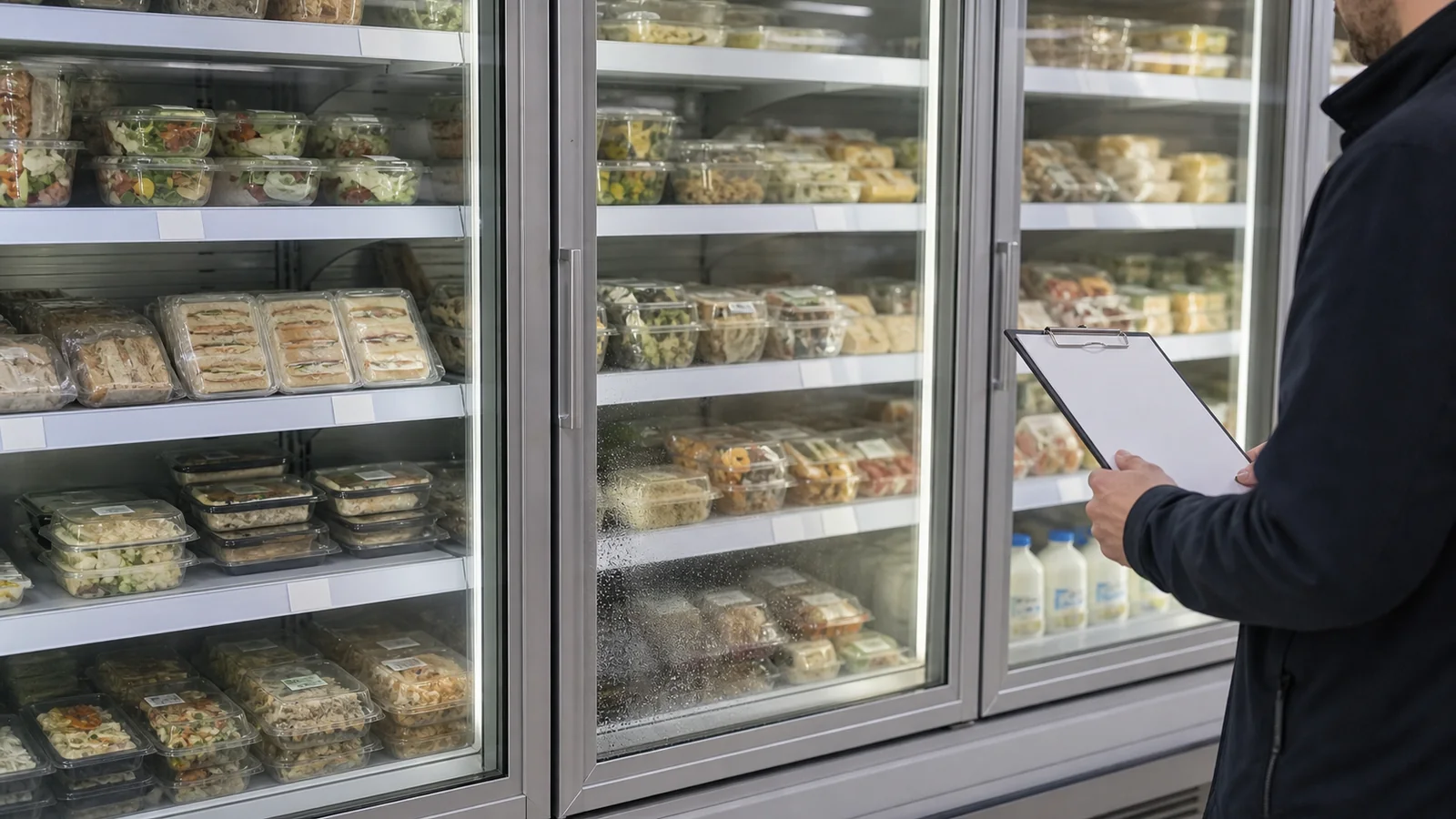
This workflow applies to an upright display cabinet with glass doors and vertical shelves, not an open multideck case. Record store, cabinet asset ID, selected model, chiller or freezer duty as specified, lineup position, and individual door or bay IDs. The glass-door upright category contains different cabinet formats, so service records must identify the actual unit.
Use a simple left-to-right bay map viewed from the customer side. If cabinets are joined in a lineup, distinguish cabinet ID from door ID. Photograph the full front before taking close-ups.
Record Which Surface Is Wet
Without dismantling anything, observe whether moisture is on the room-facing glass, cabinet-facing glass, between panes, frame, handle, gasket line, sill, floor, or an unknown location. Use safe access and never open electrical or refrigeration compartments. A clean tissue on an accessible surface can help locate the side, but never disturb evidence if leakage or electrical risk is suspected.
Record mist, droplets, running water, pooled water, or dried marks separately. Note the boundary and direction of any pattern rather than writing only 'condensation.'
Build a Time and Event Log
Record first observation, duration, whether the pattern clears, store opening stage, door-opening activity, recent restocking, cleaning, product load change, weather at the entrance if relevant, and any nearby door or ventilation change. These are context observations, not proof of cause.
Repeat at consistent checkpoints and avoid changing several operating conditions at once. If staff wipe the surface for store operation, photograph and timestamp before and after. Never alter setpoints or service controls without authorization.
| Log Field | Example of a Useful Record |
|---|---|
| Location | Cabinet U2, Door 3, room-side lower-right pane |
| Pattern | Fine mist changing to droplets along frame |
| Time | First seen after opening; photographed at two checkpoints |
| Recent event | Restocking completed; door activity recorded qualitatively |
| Action | Surface wiped after photo; service request opened |
Use Comparable Photographs
Take one full-lineup photo, one full-door photo, one pattern close-up, and one view of the nearby floor and frame. Use the same camera angle and lighting for repeat observations where possible. Avoid flash reflections that can look like moisture. Include the bay ID outside the glass without covering the pattern.
Never photograph customer faces or sensitive store information unnecessarily. Keep original files and filenames linked to the log rather than sending unlabelled images through several chat threads.
Check Store-Side Conditions Without Diagnosing
Staff can record whether doors close visibly, whether packages or labels obstruct the closing path, whether a gasket looks displaced, whether the cabinet is being cleaned, and whether nearby fixtures have changed. Never force doors, remove panels, test electrical parts, or claim a failed heater, gasket, control, or refrigeration component from appearance alone.
If water creates a slip or electrical concern, follow the store's safety and isolation procedures and contact qualified service promptly. The service provider should use model documentation and appropriate instruments for diagnosis.
Hand Off a Structured Service Package
Send cabinet and bay identity, specified duty, exact surface location, pattern, timeline, photos, recent store events, previous service, and actions already taken. State what remains unknown. Ask the service provider to document findings and any changed parts or settings for the asset history.
After service, repeat the same observation points under normal store operation. A clear before-and-after log is stronger than an unsupported statement that the problem is permanently solved.
Turn Repeated Observations Into a Pattern Map
One observation is a snapshot; several comparable observations can show whether the pattern follows a door, cabinet, time, store event, or whole lineup. Use a grid with cabinet and door IDs across columns and observation times down rows. Apply simple codes for clear, mist, droplets, running moisture, pooling, and unknown. Add surface side and photo reference. Keep the code descriptive and leave cause blank until qualified diagnosis.
Compare neighboring doors under the same store period. If one bay repeatedly differs while adjacent bays remain clear, that location detail helps service prioritize inspection. If the whole lineup changes at the same time, store context may be relevant. Neither pattern proves a cause; it makes the service visit more focused. Record whether a door was open, being stocked, cleaned, or unavailable for observation instead of classifying it as clear.
Include previous work and configuration changes: door or gasket service, cabinet relocation, new product load, shelf changes, entrance changes, or cleaning products. Date each event and avoid treating sequence as proof of causation. Service personnel can decide which events deserve technical testing.
After qualified work, continue the same grid for an agreed observation period. Preserve the pre-service rows and link the service report. If moisture returns, staff can show whether it appears at the same door and surface or presents a new pattern. This avoids the vague cycle of wet again and repeated part replacement without a shared record. It also gives the store a defensible history for warranty or supplier communication while remaining within the staff's observation role.
Set an Escalation Rule Before the Next Observation
The store should define when staff continue logging, when a bay is controlled or isolated, and when qualified service is contacted immediately. Slip risk, water near electrical areas, damaged glass, door failure, product-condition concern, or rapid worsening deserves the responsible safety and service route rather than routine observation. The rule should name contact details and required information. Staff then know that the log supports action; it never delays a necessary escalation. Record the decision and affected bay so later reviewers can distinguish normal monitoring from a period when use was restricted.
Buyer Checklist
- Record the exact cabinet, selected duty, and door or bay ID.
- Distinguish room side, cabinet side, between-pane, frame, gasket line, sill, and floor.
- Classify mist, droplets, running water, pooling, and dried marks.
- Log timing, door activity, stocking, cleaning, and nearby store changes as context.
- Take comparable full-view and close-up photographs.
- Avoid unauthorized setpoint, panel, electrical, or refrigeration work.
- Give qualified service personnel a structured record and repeat the same checkpoints afterward.
Frequently Asked Questions
Can staff diagnose the cause from where moisture appears?
The location pattern helps service personnel, but it does not by itself prove a component or control failure.
Should the door be wiped before photographing?
Where store safety permits, record the original pattern first, then document any wiping and whether it returns.
Can open-chiller advice be used for this cabinet?
No. A glass-door upright cabinet has a different access and enclosure structure and needs its own observations and service documentation.
Related Product or Reading
Review the glass-door upright chiller buying guide for cabinet selection. Keep that buying decision separate from this installed-cabinet observation log.
Discuss the Exact Project
Send XCCOLD the cabinet model, duty, asset and bay IDs, pattern map, timeline, photos, recent store events, and service questions for product-side support.